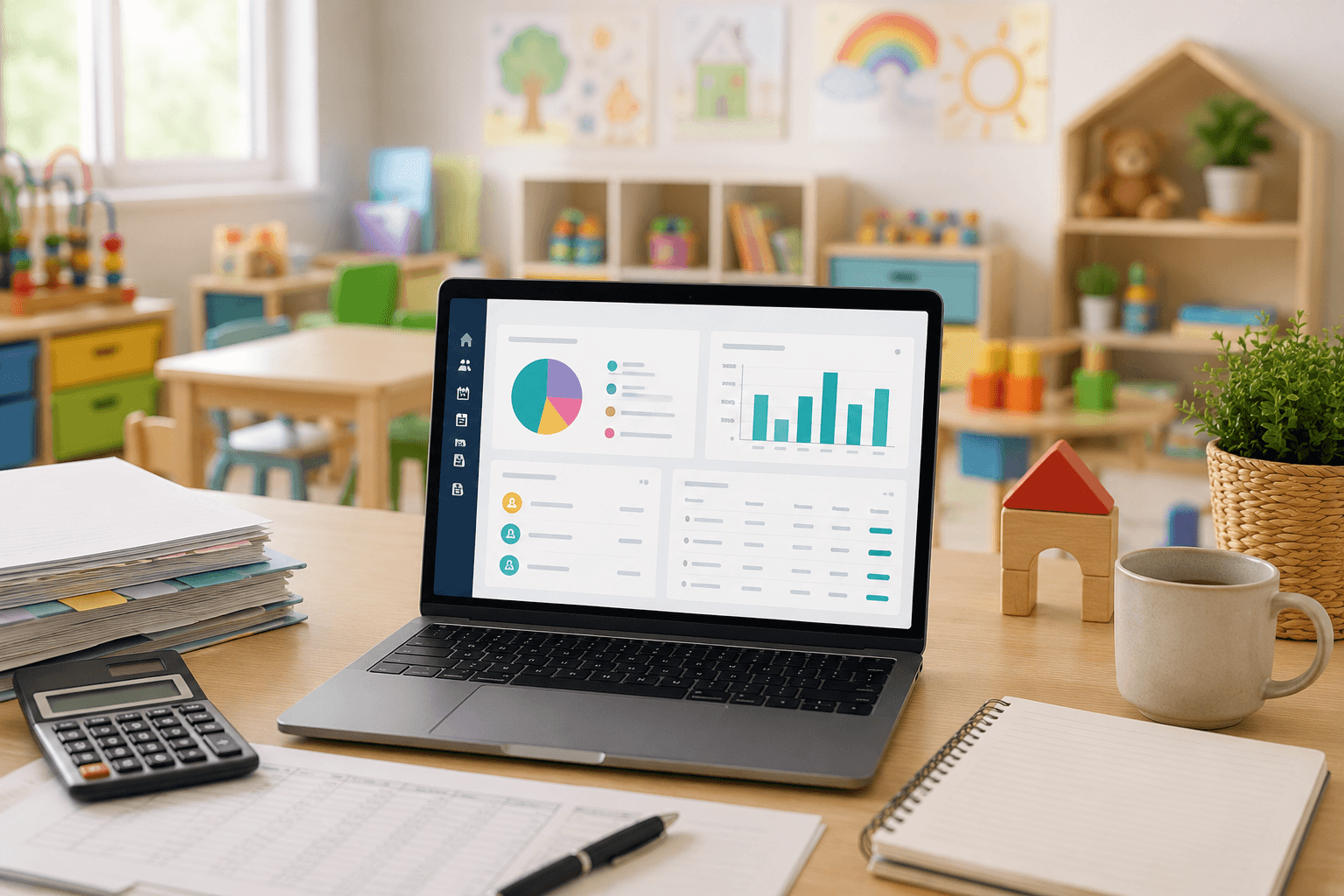


From Application to Enrollment: How Childcare Enrollment Software Streamlines Registration
When a family applies to a childcare program, it's the first impression the program makes. If those applications arrive on paper, email, or even scattered spreadsheets, childcare staff waste too much time searching for details and fixing mistakes. Childcare enrollment software gathers applications, files, updates, and approvals in one location.

Posted on:

Childcare enrollment software is a tool used by childcare centers, preschools, and daycare providers to accept applications, collect family data and documentation, review applications, monitor approval stages, and make enrollment decisions online.
Childcare directors, center managers, and enrollment teams use it in the process leading up to a child's attendance. Childcare enrollment management software covers the administration leading up to attendance, while childcare management software covers other areas like attendance, billing, reporting, and parent communication.
The childcare enrollment journey starts when a family applies online. Staff then gather the necessary information, check applications, choose an answer, and complete the child's enrollment. Each step is logged in the same application management system.
1. Families Submit Applications Online
Families complete a digital form by entering information about themselves and their child or children. They submit the form from their computer, phone, or tablet. Childcare enrollment software means no more collecting paper packets or creating new forms to print.
2. Centers Collect Required Information and Documents
The childcare enrollment form can ask for details about each child, the parents or guardians, emergency contacts, medical history, or any other required fields. Families can upload documents to each application too. Staff have everything in one location, in digital format, rather than on paper or email files.
3. Administrators Review Applications
Staff can view every completed application in a centralized location. They see what questions have been answered and which still need attention. Staff know the status of each application without needing to search inboxes or paper records.
4. Staff Manage Approvals and Enrollment Status
Applications can move through stages like:
| Sent → Under Review → Approved → Enrolled
Everyone involved can see the current status of each applicant.
5. Families Complete the Enrollment Process
Family members can complete forms, electronically sign documents, upload required paperwork, and receive confirmation of their child's enrollment status. Families avoid visiting the center just to fill out paperwork.
6. Enrollment Data Flows into Other Childcare Operations
Once a child's enrollment is complete, the child's information can automatically flow
Automated data sharing avoids the need to re-enter information from paperwork or emails.
For Daycare, Preschool, Camp or Other Childcare software, enrollment is the foundation for the child's whole enrollment record.
Reduces Manual Data Entry
Parents input their own information, and staff enter details once and leverage them across the entire registration workflow.
Speeds Up Application Processing
When application details can be viewed in an easy-to-understand screen, review and processing happen sooner.
Reduces Enrollment Errors
Centralized documentation and data entry reduce duplicate entries, late paperwork, and inaccuracies in child or parent details.
Improves the Parent Registration Experience
Parents apply online, upload important documents, access the status of each application, and avoid phone calls. More details.
Keeps Enrollment Information Organized
Staff have a complete digital file of each applicant, rather than tracking down documents and forms.
Helps Staff Manage More Applications
As application volume increases, automation and application tracking empower staff to process more registrations.
To know more - https://1coresolution.com/blog/how-to-simplify-childcare-admission-and-enrollment-processes
What are the Must Features of Childcare Enrollment Software?
Feature | What It Does | Why It Is Important |
Online application | Collects family and child information. | Parents can complete the form from any device. |
Document uploads | Attach files to each application. | Files are stored digitally and readily available in a digital folder. |
Status tracking | Tracks what step each application is in. | Staff do not need to update separate files. |
Automated notifications | Send a message when each requirement is met. | Parents and staff do not need to follow up manually. |
Electronic signatures | Record each completed form. | Families can complete paperwork remotely. |
Integrations | Send registration details into billing, attendance, and classroom management. | No extra data entry is required. |
Report writing | Shows application count, enrollment counts, incomplete applications, or program capacity. | Staff can visualize demand. |
Manual Childcare Enrollment vs. Enrollment Software

How Does Childcare Enrollment Software Improve the Parent Experience?
Childcare Sign Up software provides an easy-to-navigate path for families-from searching for a program and applying for a place to applying, uploading documents, fulfilling all requirements, getting updates, to accepting the placement.
Online registration that's mobile-friendly and accessible to parents and guardians on any device and at any time. With registration forms online, there's less work to do for staff and less paper to handle for families. Instead of carrying files, uploading documents, and faxing information, health forms, IDs, and other files are submitted electronically and parents can view the application status and next steps.
How Does Childcare Enrollment Software Help Administrators?
Childcare management software offers operators a centralized solution to receive applications and family details, collect documents, and manage the statuses of enrollments. Administrators don't have to juggle between paper files, spreadsheets, and their inboxes to find what they are looking for.
Paperless and organized, automated workflows decrease administrative effort, increase data integrity and allow team members to review applications more quickly. They can flag what information has not been received, monitor the progress of an individual applicant and find documents in a snap. Additionally, sharing access promotes greater communication and coordination among the enrollment, billing, classroom and management teams. Reporting features provide a better picture of application data, enrollment numbers and capacity.
How to Choose the Right Childcare Enrollment Software
Look for an Easy-to-Use Parent Experience
Give the system a test drive on a mobile device to see how applied information and fields are displayed.
Check Application and Document Management Capabilities
Determine whether the admin team can access details and documents and quickly find missing data.
Evaluate Automation Features
Review if automatic notifications, document requests, alerts to staff, and application status updates can free staff from manual follow-up.
Consider Integration with Billing and Other Systems
How well does the potential software connect to billing, document storage, login portals, or classroom tracking?
Review Security and Data Protection
Make sure family documents and data will stay protected behind secure login barriers.
Look for Reporting and Enrollment Insights
Make sure reports will help operators understand how many applications come in, how many lead to enrollments, and what the capacity is.
Consider Scalability
Make sure the software will scale to support more locations, more classrooms, and more families.
Evaluate Customer Support
Review performance expectations for onboarding, live support hours, and support responses.
When Should a Childcare Center Consider Enrollment Software?
When application teams spend too much time manually entering details.
When applications and notices exist on paper, spreadsheets, and separate email accounts.
When files are stored in different locations.
When families need to make many requests for updates.
When increased application volume slows processing.
When repeated errors with applications and family information become frequent.
For preschool and other childcare registration, software, too, is useful when centers face these issues.
Conclusion
When childcare centers rely on paper applications and spreadsheets, staff spend too much time assembling files, fixing mistakes, and searching for information. Childcare enrollment software provides a portal for applications, files, notices, and updates that seamlessly connect to billing, classroom management, and attendance.
When used with systems for billing, classroom management, attendance tracking, and parent communication, enrollment data can easily integrate into the daily routines without double entry, reducing data entry time and creating more time for your childcare team to serve families, ready classrooms, and focus on providing quality childcare.
Simplify the Enrollment Process at your Childcare Center Want to make enrollment easier at your childcare center?
Find out how childcare software can help reduce the time and paperwork in moving families from application to enrollments.
Nemitha M
Digital Marketing Executive | 1Core Solution
A creative thinker bringing fresh, innovative ideas backed by market research, competitor analysis, and compelling website content to fuel SaaS growth. Passionate about building brand connections through thoughtful digital strategies.
Recent blogs: