


Build a Trust-Winning Childcare Website for Free in 2026
Creating a website for your childcare center might sound like a big task - but it doesn’t have to be. You can build a clean, modern childcare website without complicated setup or technical steps. The goal is simple: make it fast, clear, and easy for parents to understand. You can even start for free using modern website builders. Most parents will check your childcare website before calling, so a simple and trustworthy site already puts you ahead.

Posted on:
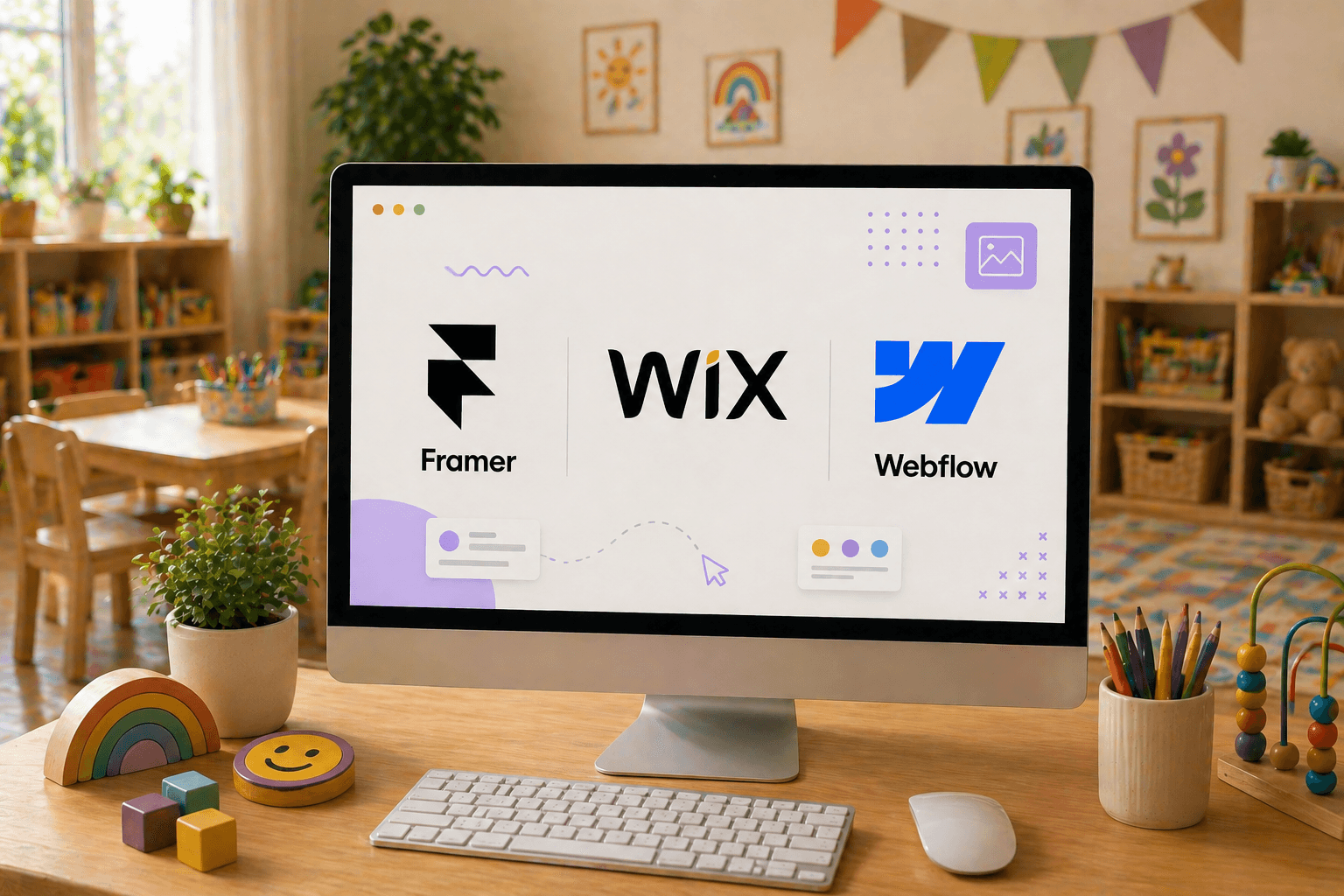
Most parents visit a childcare website before they ever call or schedule a tour. In many cases, your website creates the first impression of your childcare center.
But many childcare providers delay building a website because they assume it requires coding skills, expensive developers, or complicated setup.
The good news is that modern website builders now make it possible to create a professional childcare website for free - even if you’ve never built a website before.
Parents today often compare multiple childcare centers online before making a decision. A clean and trustworthy website can help your childcare stand out, build credibility, and make it easier for families to contact you or schedule a tour.
Many childcare websites lose potential enrollments because the website feels outdated or difficult to use. Parents usually prefer websites that are simple, clear, and easy to navigate.
Some common mistakes include:
• Too much text on the homepage
• Generic stock photos
• Missing contact information
• Slow mobile experience
• No clear call-to-action
A clean and organized website often performs better because parents can quickly find the information they need before contacting your center.
Yes. Today’s website builders let you create a childcare or daycare website without writing any code.
You can choose a layout, update your content, and publish your site visually. Most platforms also offer free plans, which are enough to get your website online.
On the free plan, your website won’t use a custom domain - it will have a platform-provided address, which is fine when you’re just starting out.
Why Simple Website Builders Work Well for Childcare Websites
Website builders are designed to make things easy. You don’t need to worry about setup, hosting, or technical details.
You can start with a ready-made design, update your content, and publish a site that looks clean and professional.
They also focus on performance, which matters for childcare websites. Parents usually visit on mobile, and a fast, smooth experience makes a big difference.
What Makes Them a Good Fit
Most builders focus on simplicity. You can edit content directly, see changes instantly, and avoid unnecessary complexity.
Instead of dealing with too many tools, you focus on what matters - clear content, real visuals, and an easy experience for parents.
Step-by-Step Process to Create a Free Childcare Website
You don’t need a complicated setup to build a daycare or preschool website. Just follow these simple steps.
1. Start with a Template
Instead of starting from scratch, choose a template that already fits a childcare website structure.
Most platforms offer both free and premium templates. You can start with free ones and upgrade only if needed.
Look for something that includes:
• A clear homepage section
• Space to explain your programs
• A visible contact or booking area
A good template saves time and avoids confusion.
2. Replace It with Your Content
Now make the website your own.
Add your childcare center name, programs, and real photos. Keep everything simple so parents can quickly understand what you offer.
For example:
"We offer daycare, preschool, and after-school care for ages 2-6."
Clear always works better than clever.
3. Keep the Layout Simple
A good childcare website doesn’t need too many pages.
Most effective daycare websites include:
• A short introduction
• Programs or age groups
• Real photos of the environment
• Contact details
That’s enough for parents to understand and take the next step.
4. Add One Clear Action
Make it obvious what parents should do next.
A simple "Book a Tour" or "Schedule a Visit" works much better than a generic "Contact Us." Parents are more likely to take a small step first.
Best Free Templates to Choose
You don’t need to browse endlessly. Focus on simple, structured templates that match a childcare website flow.
1. Business Templates (Best Choice)
Business templates are the most reliable option. They already include clear sections for services, about, and contact.
Explore:
Webflow: https://webflow.com/templates
Look for templates with:
A strong header section
Clear sections for programs
A visible call-to-action
2. Landing Page Templates (Simple Option)
If you want something minimal, landing page templates work well.
Everything stays on one page, making it easy for parents to scroll and understand quickly.
You’ll find these across all major builders like Framer, Wix, and Webflow.
Recommended Template Style (Good Starting Point)
A startup or business-style template works really well for childcare websites.
Why:
• Clean layout with clear sections
• Strong hero section (perfect for "Book a Tour")
• Easy to adapt for programs
• Mobile-friendly
You can simply adjust:
• "Features" → Programs
• "Pricing" → Plans (or remove it)
• "Testimonials" → Parent reviews
What Actually Matters More Than the Tool
It’s easy to focus too much on which platform you’re using. But that’s not what makes a childcare website work.
What matters is how it feels to parents.
If your website:
• Loads quickly
• Looks clean and modern
• Clearly explains your services
• Feels easy to use
That’s enough.
Parents don’t compare tools - they decide based on how your website feels in the first few seconds.
Final Thoughts
You don’t need a complicated setup to build a good childcare website.
Start with a simple template. Add clear content. Use real photos. Make it easy for parents to take the next step.
If you’re looking for tools to get started, you can explore platforms like Framer, Wix, Webflow, or WordPress - all of them offer beginner-friendly ways to create a childcare website, including free options.
In the end, what matters is simple - a website that feels clear, fast, and trustworthy
1Core Solution is a comprehensive childcare management platform built to support the daily needs of childcare centers and early education providers. With tools for online billing, parent engagement, admissions, attendance, lesson planning, and staff management, 1Core brings your center’s operations into one centralized, easy-to-use system. Designed with both educators and administrators in mind, 1Core helps reduce manual tasks, improve communication, and enhance the experience for families and staff alike. Backed by dependable support and strong data security, 1Core gives you the freedom to focus less on paperwork and more on creating meaningful moments with the children in your care.
Andrew V D
Associate UI Developer | 1Core Solution
A developer who combines creativity with practical thinking to build clean, easy-to-use interfaces that feel effortless, with a clear focus on performance and real user experience.
Recent blogs: